Mobile access guide
Amazon Slots App and Mobile Casino: iPhone, Android and Browser Play
 Available in GB
Amazon Slots can be used directly in a mobile browser, and current first-party/store checks also show native apps for iPhone and Android in Great Britain. The iPhone listing is published by Jumpman Gaming Limited in the UK App Store, while Google Play has a GB listing for the Android app. That means the practical choice is not “mobile or no mobile” but whether the browser or a native app is the better route for your device.
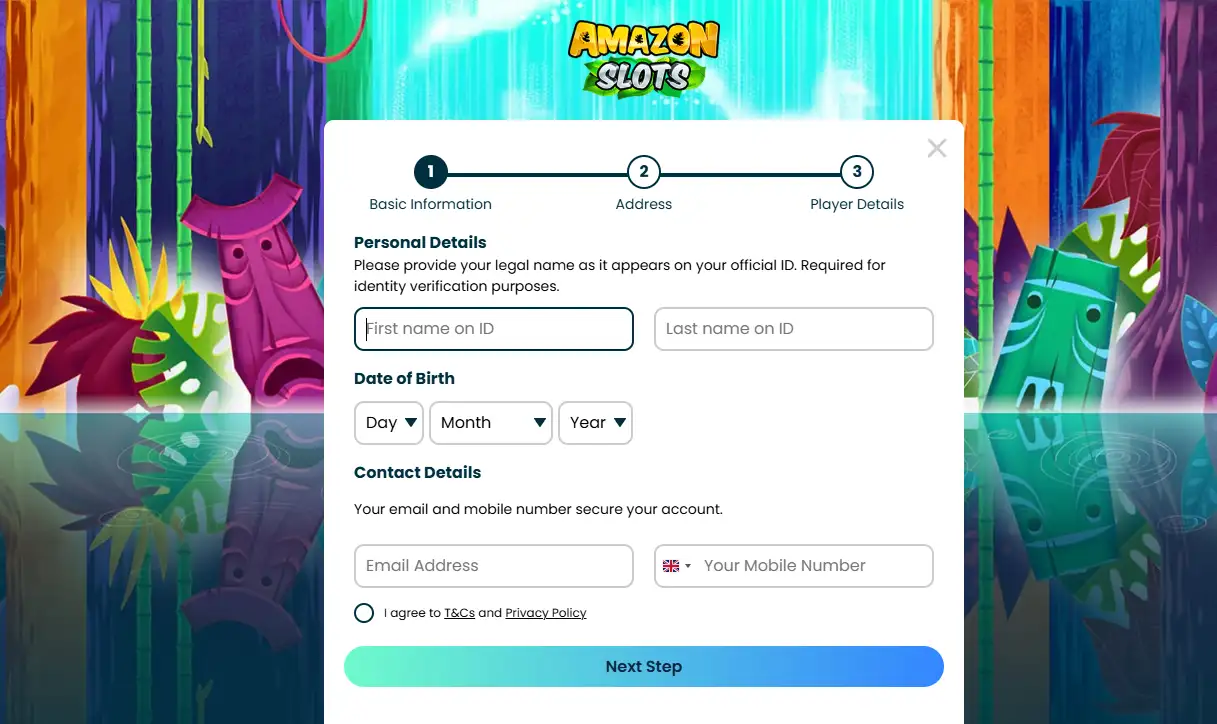
If you already have an account, the same login is the starting point. If you cannot get in, Amazon Slots’ FAQ says to use the “Forgotten Password” link and enter your username or registered email address. New users should complete Amazon Slots registration before deciding whether to keep using the browser or install an app.
Three current routes
Table of Contents
- How Amazon Slots works on a UK phone
- Mobile browser play is the simplest default
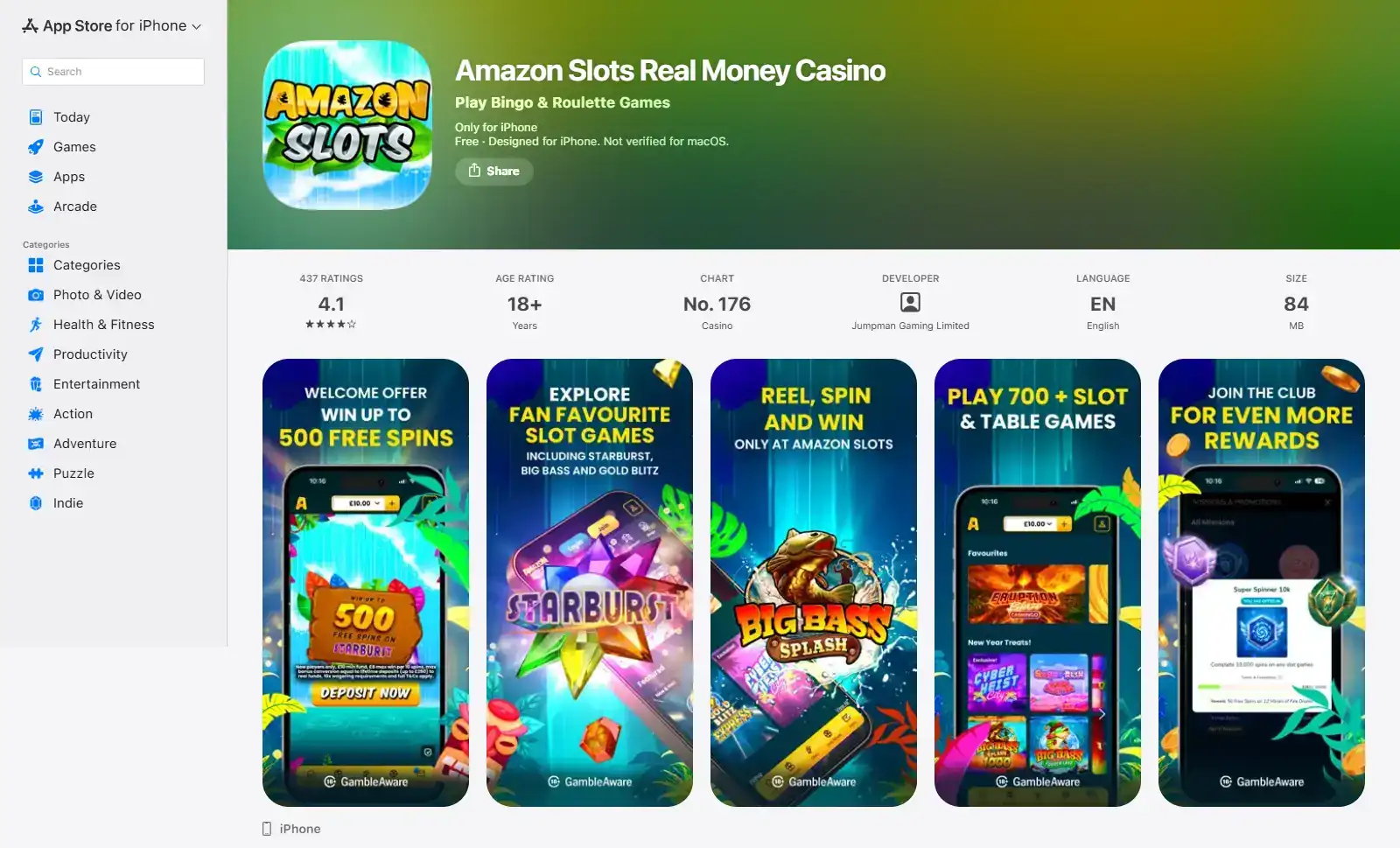
- The Amazon Slots iPhone app is currently listed in the UK App Store
- Android has a current Great Britain Google Play listing
- App versus browser: what actually changes
- If Amazon Slots login fails, use the password recovery route first
- Mobile access does not change the underlying cashier rules
- A short authenticity check before installing
- App or browser: the simplest way to use Amazon Slots on a UK phone
How Amazon Slots works on a UK phone
| Route | Current status | Best fit |
|---|---|---|
| Mobile browser | Officially supported | Fastest way to start without installing anything. |
| iPhone app | Current UK App Store listing | Useful if you prefer a dedicated icon and native-app route. |
| Android app | Current GB Google Play listing | Useful for Android users who want an installed app rather than browser access. |
No installation required
Mobile browser play is the simplest default
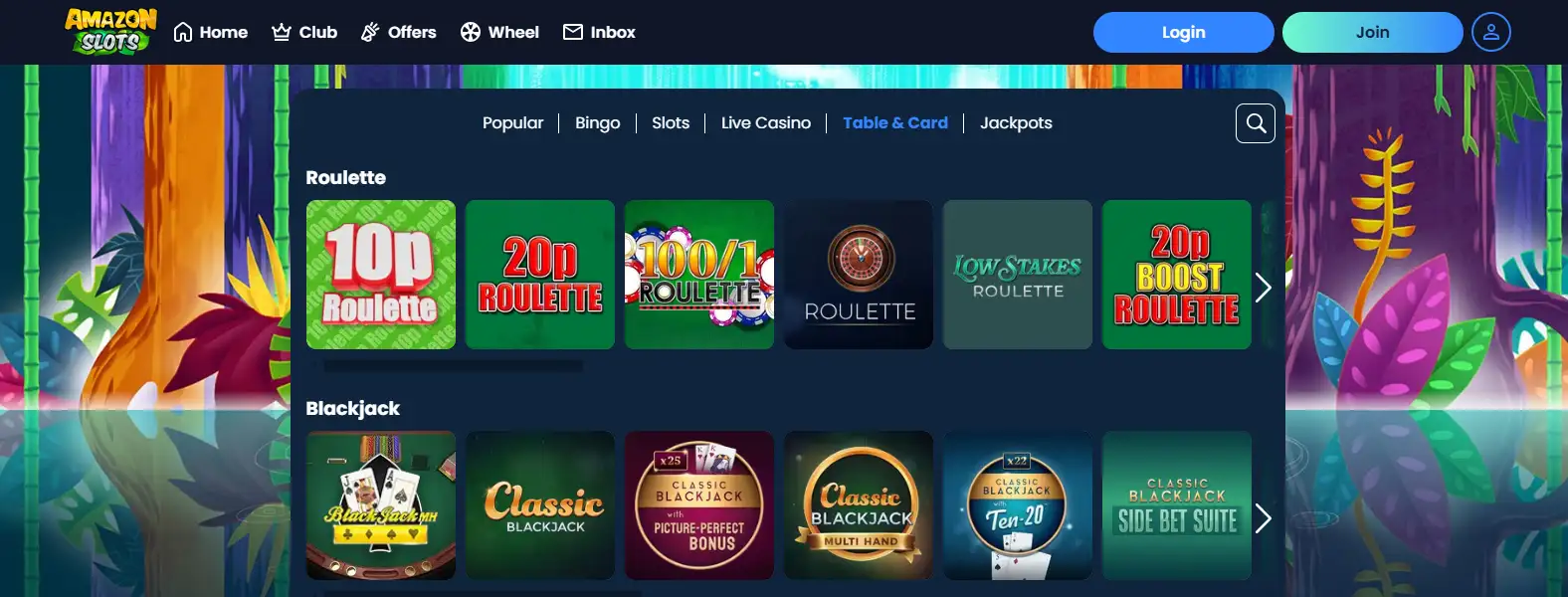
Amazon Slots’ current online-casino page says the service runs in a phone browser and that the desktop casino categories are available on mobile in a touch-optimised layout. That makes browser play the least complicated route when you are testing the site, using a shared-storage-conscious device, or simply do not want another app installed.
The browser route also keeps the account journey easy to understand. You open the official site, sign in, then move through the same account, games and cashier areas from one web session. There is no need to treat the mobile browser as a reduced “lite” account. Your account identity, balance and verification state belong to the account, not to the installation method.
For many users, this is the sensible first choice: establish that the site works well on your handset before adding an app. If you later prefer a home-screen icon or native-app features, the app route is available separately.
Because browser and native-app access connect to the same operator account, choosing one route now does not require a second casino registration if you later prefer the other. You can begin in the browser to check the interface, then install the verified store app if regular access feels more convenient. Conversely, if an app update or device change causes an access problem, returning to the official mobile site can help you distinguish an app-specific issue from a wider account-access issue. Keep the comparison focused on access and convenience: game choice, account verification and cashier conditions should still be checked in their own areas because those questions are not defined by the icon or browser used to open the service.
Browser access also has a useful troubleshooting advantage. If an installed app is updating, has been removed from a store temporarily, or behaves differently after an operating-system update, the official mobile site provides an independent route to the account. That does not guarantee every device will behave identically, but it avoids making access depend on one installed package.
iPhone
The Amazon Slots iPhone app is currently listed in the UK App Store
The current UK App Store page lists “Amazon Slots Real Money Casino” with Jumpman Gaming Limited as developer, an 18+ age rating and English as the app language. The listing is specifically for iPhone, giving UK iOS users a direct store-verifiable route rather than relying on an unverified download page.
The App Store description also advertises Touch ID or Face ID login and Quick Launch on iPhone. Those are platform-specific claims from the current iOS listing; they should not be copied across to Android. App features can change between versions, so this guide deliberately avoids freezing volatile details such as ratings, review totals or download counts into the core recommendation.
Why the store listing matters
A current listing gives you a better authenticity check than downloading an installation file from an unrelated website. Confirm the developer name before installing, especially when a casino brand has similarly named pages or ads elsewhere.
Android
Android has a current Great Britain Google Play listing
Google Play currently shows “Amazon Slots: Real Money Games” by Jumpman Gaming for the GB market. This matters because older casino-app guidance often treats Android availability as an APK-only question. For Amazon Slots, the current store evidence gives Android users a normal Google Play route.
The safest installation habit is still to start from the official Amazon Slots site or search the official store and check the developer identity. Do not treat a similarly named APK hosted on a third-party download site as equivalent to the Play Store listing. This page does not recommend sideloading or provide APK links.
Because the Android listing and iPhone listing are separate products with different platform metadata, features should be evaluated per platform. A feature advertised on iPhone is not automatically confirmed on Android unless the Android listing or official product documentation says so.
Route selection
App versus browser: what actually changes
The biggest difference is convenience, not a separate casino account. A native app gives you an installed icon and may expose platform-specific conveniences, while the browser avoids installation and works from a standard web session. Both routes ultimately connect you to the same operator account.
| Question | Browser | Native app |
|---|---|---|
| Need to install? | No | Yes |
| Good for first-time testing? | Yes – lowest commitment | Usually after you know you want regular access |
| Dedicated home-screen icon? | Not by default | Yes |
| Account and balance | Same operator account | Same operator account |
| Platform-specific features | Browser-dependent | Can differ between iOS and Android |
If your priority is simply playing a few Amazon Slots games on a phone, browser access is enough. If you return frequently and prefer an installed interface, the app can be more convenient.
Account access
If Amazon Slots login fails, use the password recovery route first
The current Amazon Slots FAQ says that a user who has forgotten the password should select the “Forgotten Password” link beneath the login box. The recovery flow asks for either the username or registered email address and then sends a link to the registered email account.
This is a better first step than repeatedly creating new login attempts or looking for unofficial support pages. If recovery email does not arrive, check the address used at registration and then use the operator’s official support route. Account-access problems are account issues rather than evidence that the mobile app itself is unavailable.
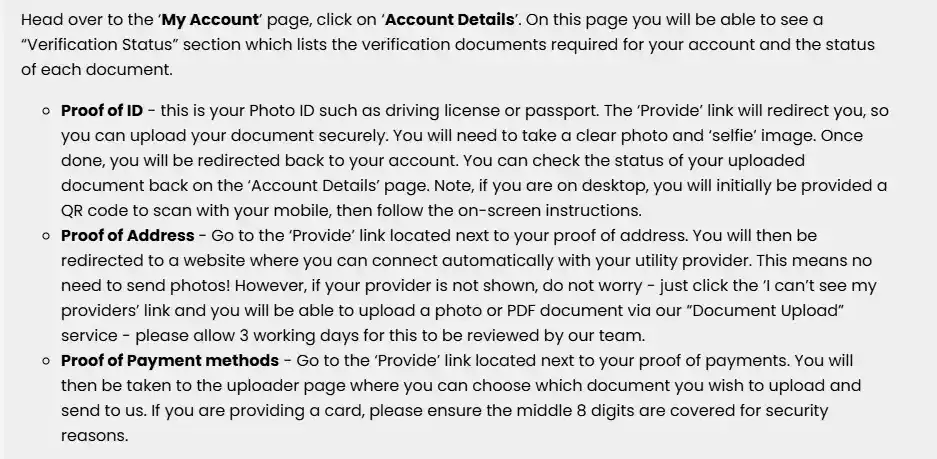
For a new account, keep the registration and verification journey separate from login troubleshooting. The account setup guide explains that lifecycle, while the child verification guide covers documents and review steps.
Cashier access
Mobile access does not change the underlying cashier rules
Whether you use the browser or app, payment questions should be evaluated as cashier questions, not app questions. Amazon Slots’ current FAQ includes a specific mobile withdrawal route through My Account and the cashier, which confirms that payout requests are designed to be manageable from a phone.
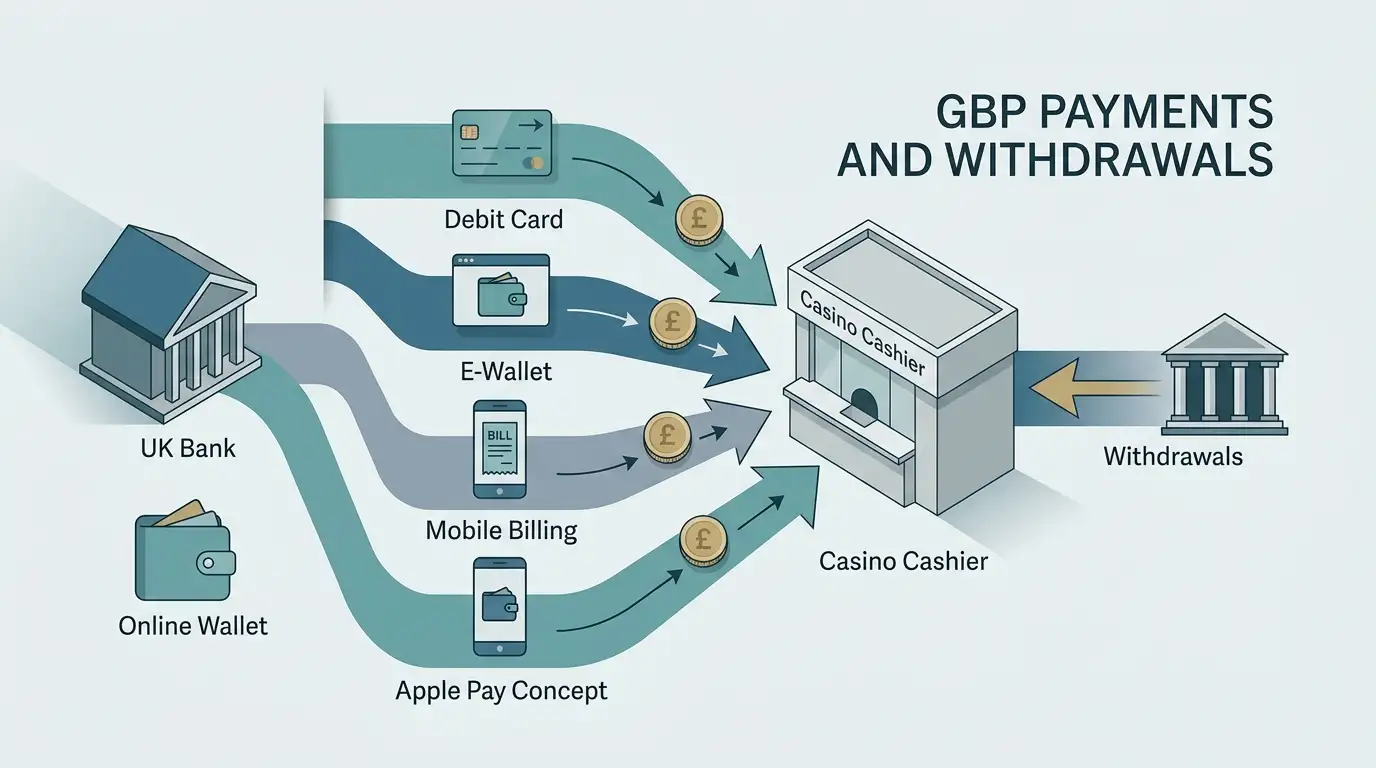
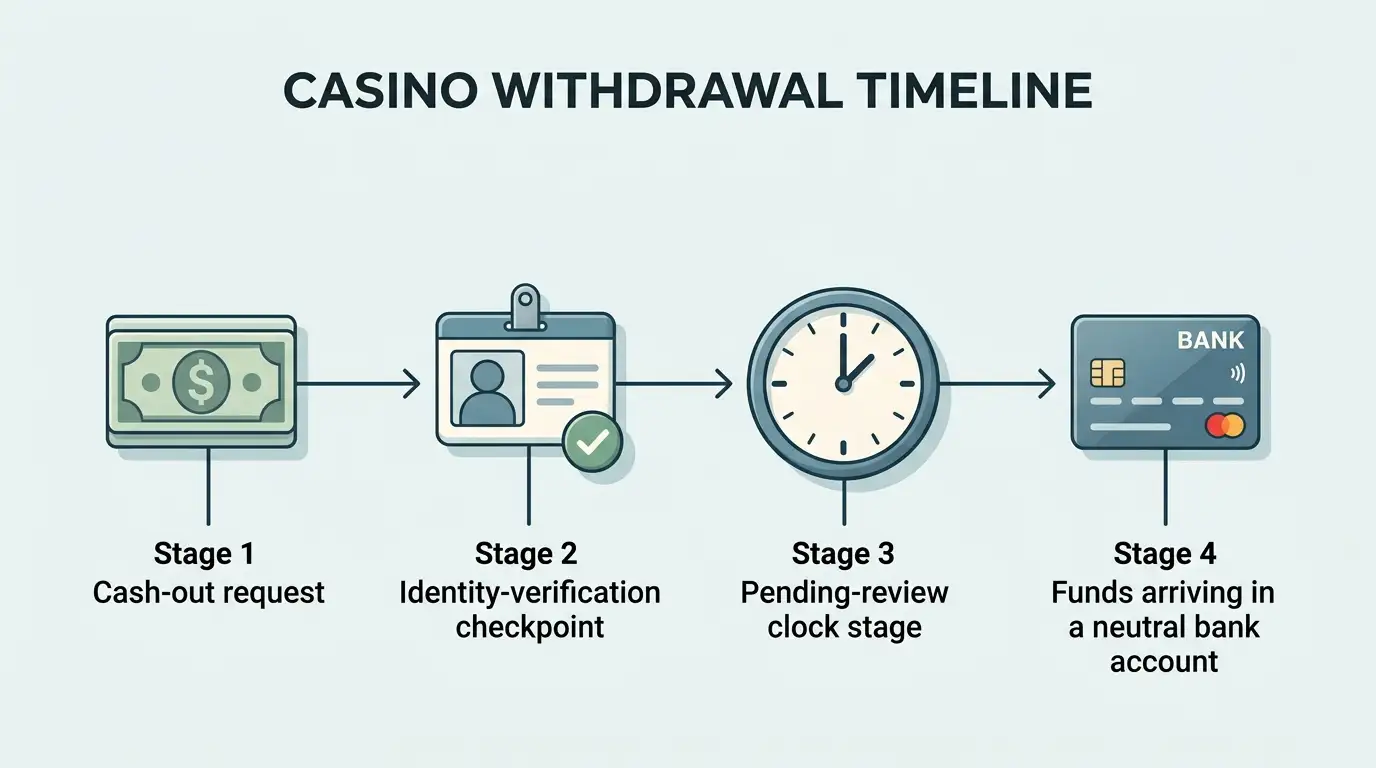
Payment methods, currency, deposit limits and withdrawal timing are covered separately because they can change independently of app availability. See the Amazon Slots payments for the GBP cashier and funding methods, and the withdrawal child page for payout timing and verification dependencies.
This separation is useful when troubleshooting. If the app opens and your games load but a payment option is missing, investigate the current cashier and account status rather than assuming there is a mobile-platform failure.
Practical checks
A short authenticity check before installing
Casino apps sit next to many lookalike search results, ads and unofficial download pages. Before installing, verify three things: the app name, the developer identity and the store or official-site route that brought you there. On iPhone, the current UK listing identifies Jumpman Gaming Limited. On Google Play, the GB app is published by Jumpman Gaming.
Avoid installing files sent through messages, mirror sites or download portals. Also avoid using app ratings as a substitute for checking whether the product is the correct official listing. Ratings and review counts are volatile and can change quickly; the more durable authenticity signal is the publisher identity and the link from the official ecosystem.
Practical decision
App or browser: the simplest way to use Amazon Slots on a UK phone
Start with the mobile browser if you want the least friction: it is officially supported and requires no installation. Choose the iPhone or Android app if you prefer an installed route and can verify the current store listing on your platform. Do not assume iOS-only features automatically exist on Android.
Whichever route you choose, use the same account, keep login recovery tied to the registered email, and treat cashier questions separately from device questions. For the broader operator picture, return to the Amazon Slots UK review.
Prepared by the Amazon Slots Casino editorial staff.